 Casevoya
Start your day from Home
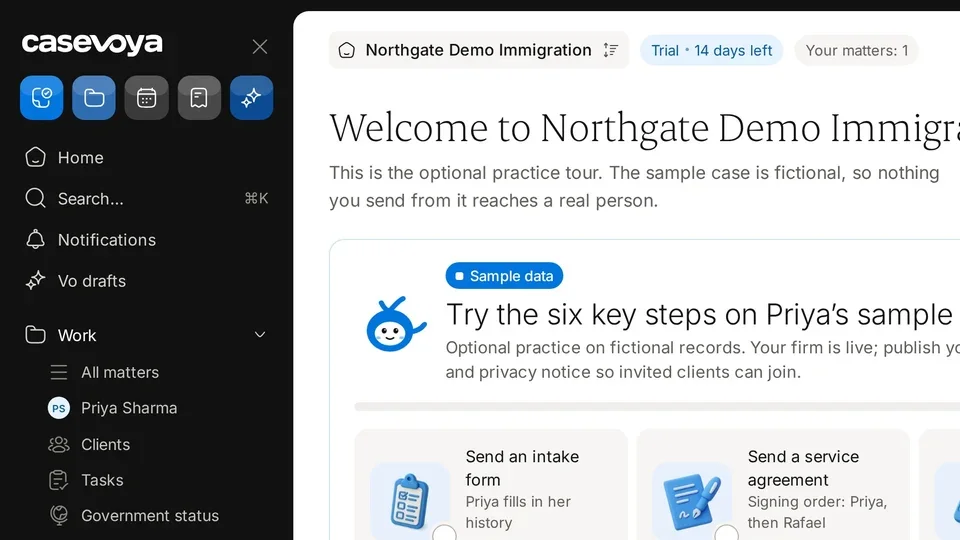
Home shows what needs you, flags setup gaps, and gives you shortcuts to common work, so you can plan your day from one screen.
- 1
Open Home
Select Home at the top of the left sidebar. The header shows your firm and the Your matters count.
- 2
Clear setup alerts
For each yellow alert, such as Your enquiry page isn't taking enquiries or Clients can't accept portal invitations yet, select Review and publish.
- 3
Start common work
Use the quick actions: New lead, Request document, Book consultation, Issue invoice, or Ask Vo for a draft.
- 4
Scan Your practice today
Check documents tracked and Needs you for tasks due today, documents awaiting review, blocked matters and financial exceptions. Select View all matters to see every matter.
- 5
Check notifications
In the right rail, review recent items under Notifications and select All for the full feed.