Government status and letters

Government status is the firm's own record of each government application, showing who recorded it, the evidence, and when it was last checked. Here is a quick tour.

1:03 video·Captions and transcript·1 written guide

01Overview
0:00 / 1:03

Chapters

9

Record a government letter and create tasks

When IRCC writes, file the letter, confirm the deadline it sets and turn it into tasks.

  1. 1

    Open Government status

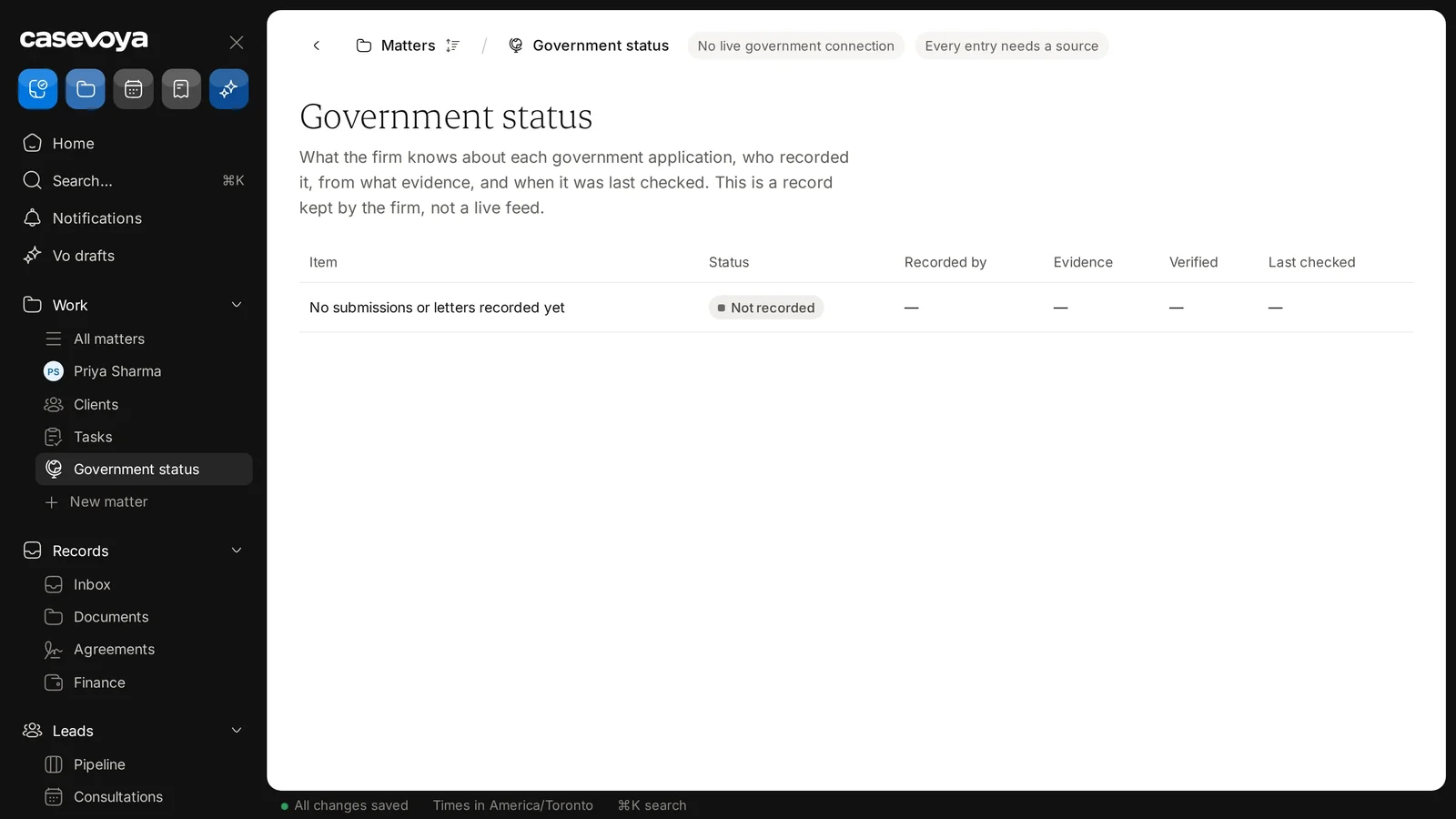
    In the sidebar, under Work, choose Government status. Every entry needs a source; there’s no live government connection.

  2. 2

    Record the dates

    The letter date, the date you received it, and the deadline it gives.

  3. 3

    Link the source

    The deadline points back to the exact letter, so anyone can check it.

  4. 4

    Create tasks

    For the client, your team, or both. Client tasks appear in their portal with the due date.
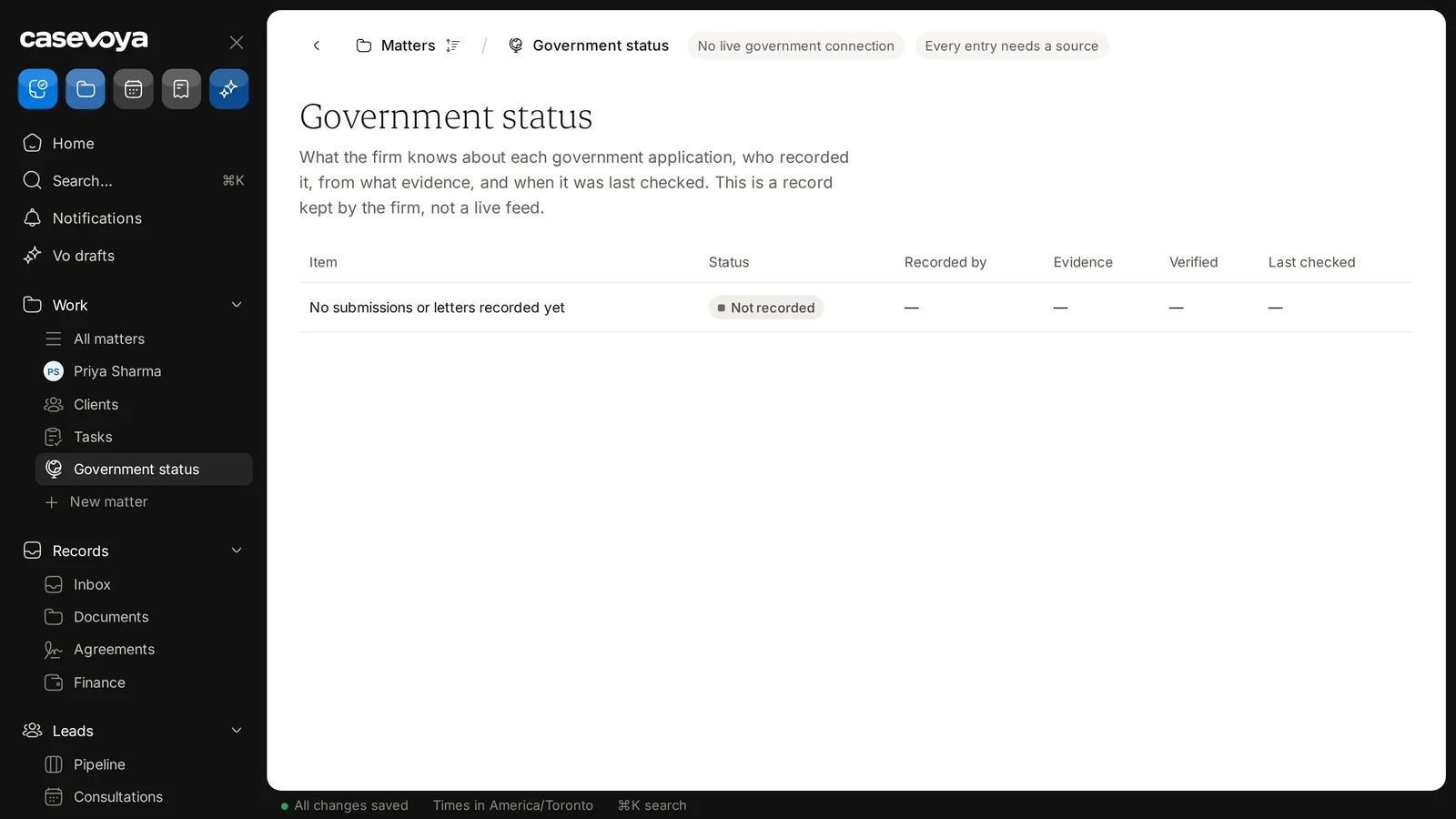
Government status: no live government connection, and every entry needs a source. Sample data.
Each entry shows its evidence, whether it was verified and when it was last checked. Sample data.

Screen by screen

Each frame comes from the walkthrough, with the part being explained outlined. Select a frame to play from that moment.

  1. 02Find it

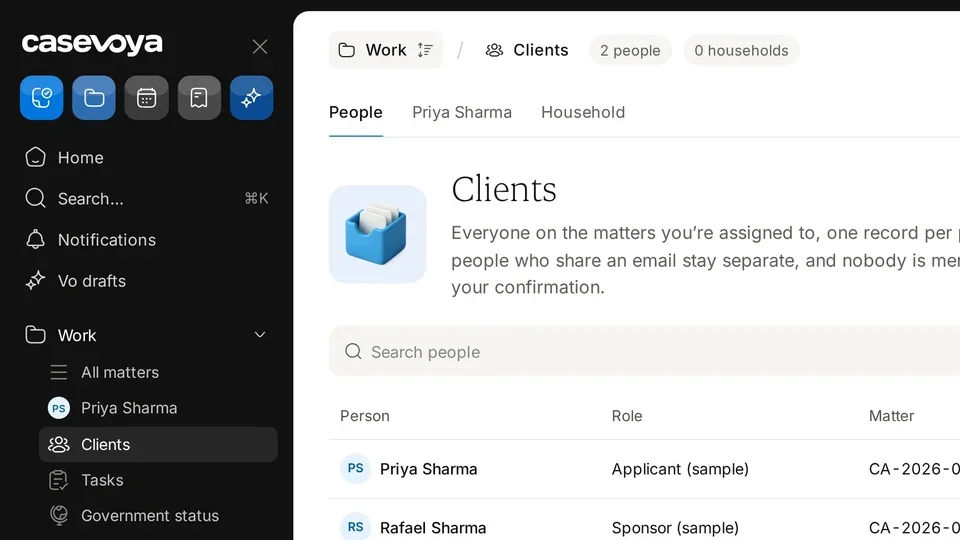
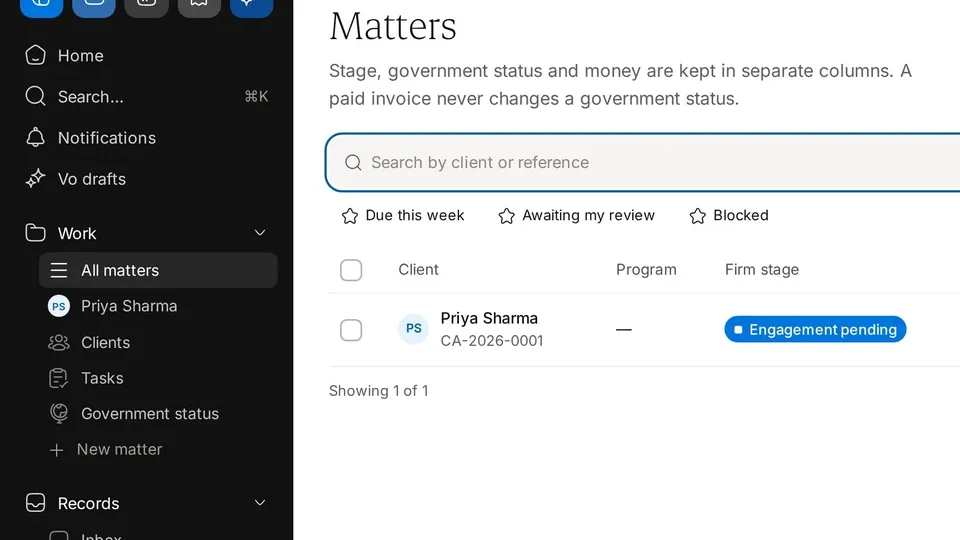
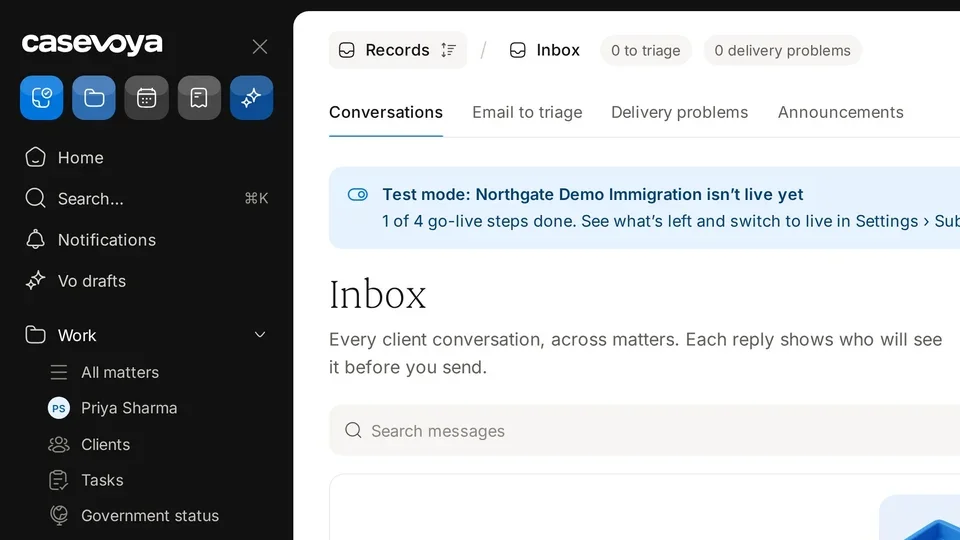
    Find Government status in the left sidebar, under Work.

  2. 03Header badges

    At the top, two badges set the ground rules: No live government connection, and Every entry needs a source.

  3. 04Description

    The description explains what the firm knows about each application and who recorded it. This is a record kept by the firm, not a live feed.

  4. 05First columns

    The first columns show the item, its status, and who recorded it.

  5. 06Proof columns

    Next come the evidence, whether it was verified, and when it was last checked.

  6. 07Current row

    In this fictional demo firm, nothing has been entered yet. The row reads No submissions or letters recorded yet, so the status shows Not recorded.

  7. 08Empty cells

    The other columns show only dashes for now.

  8. 09Recap

    To recap: find it under Work, read the two badges, remember that it is not a live feed, and check each column. Next: All matters.

Did this answer your question?

More in Clients and matters