 Casevoya
Issue an invoice
Invoice for work you’ve delivered, with lines by category so clients see exactly what they’re paying for.
- 1
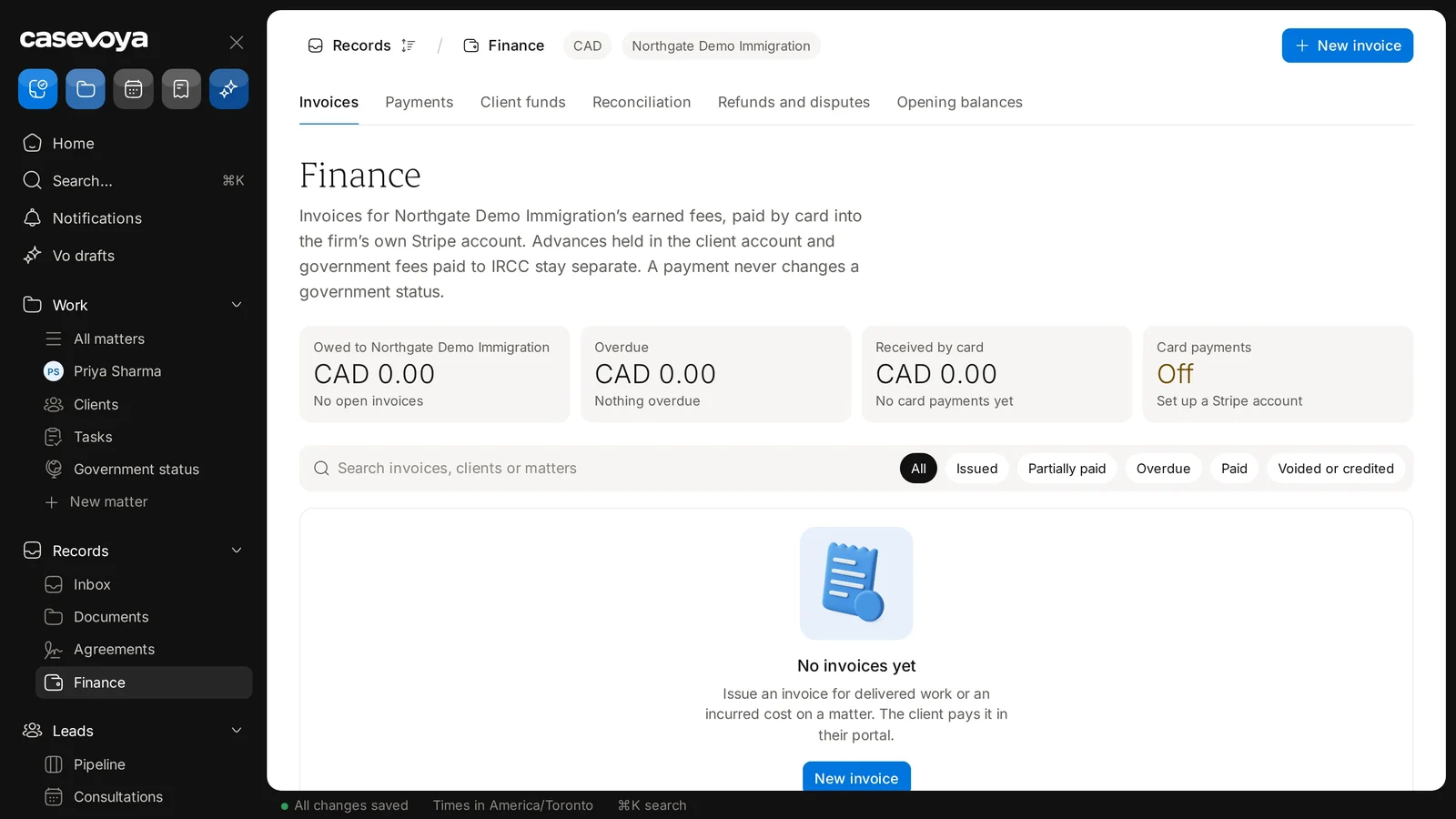
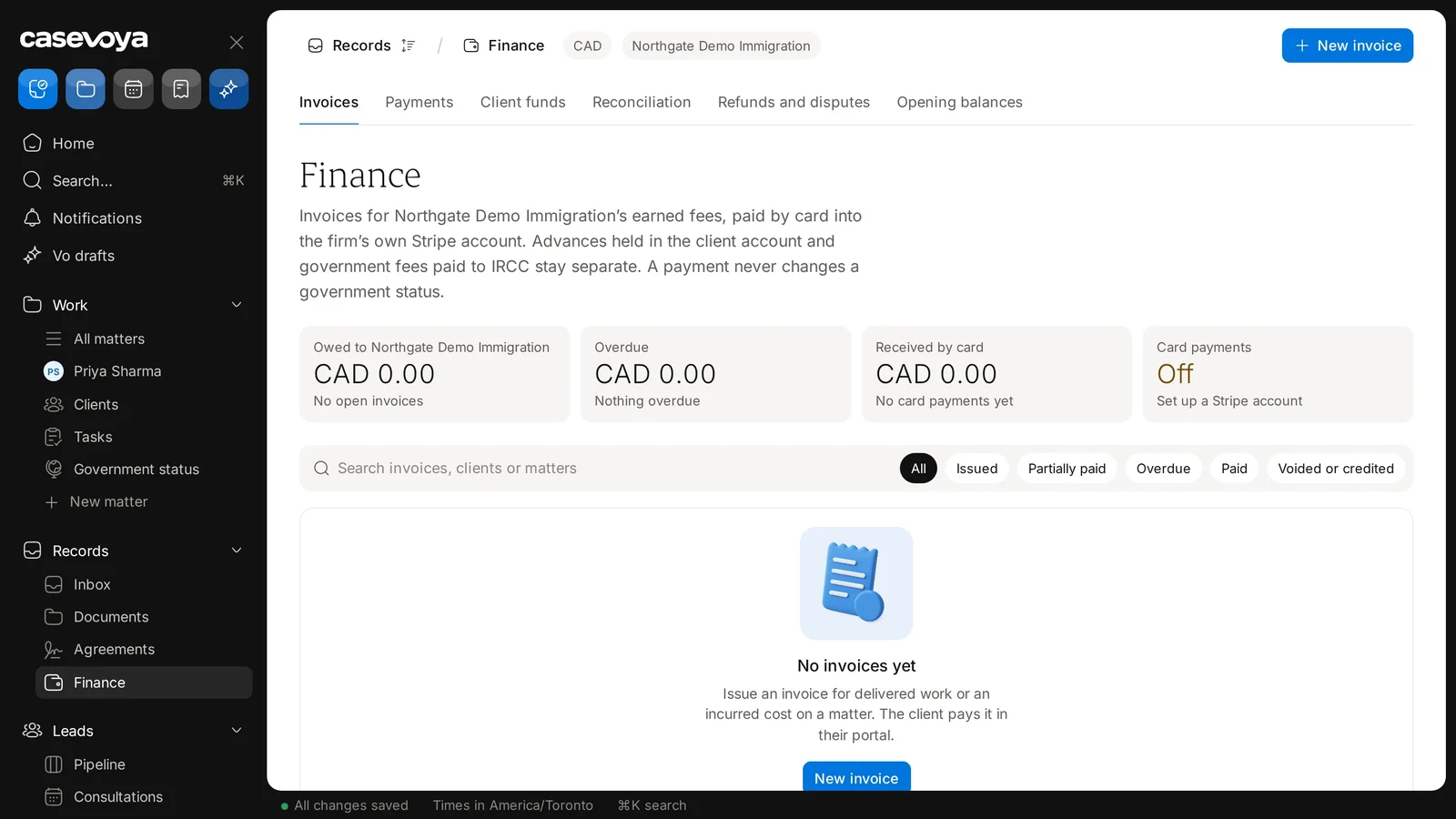
Open Finance
In the sidebar, under Records, choose Finance and select New invoice at the top right. Staff log billable time on a matter’s Billing tab.
- 2
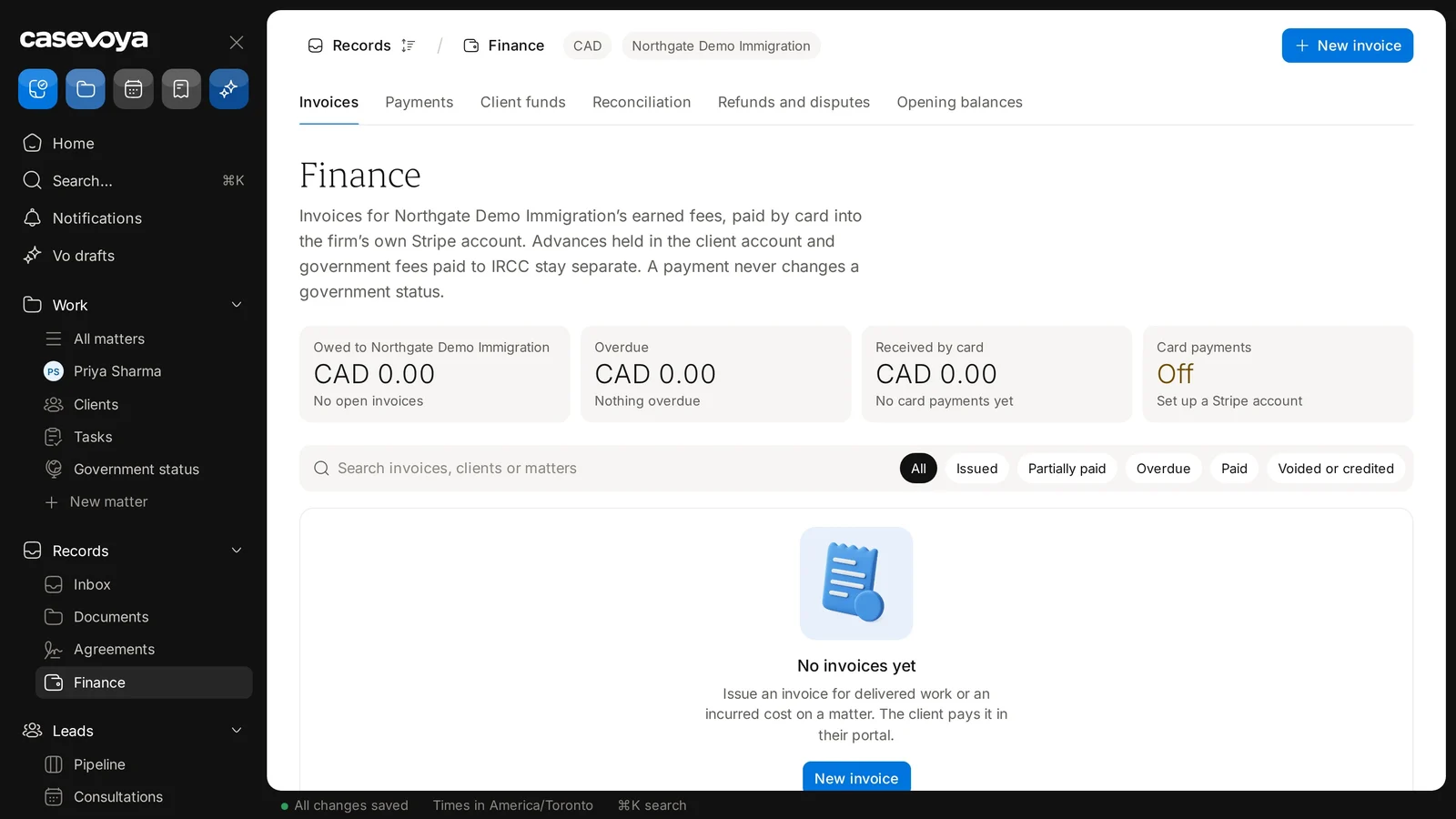
Add lines
Professional fees, disbursements and taxes, each on its own line. Government fees go on as a disbursement with their official source.
- 3
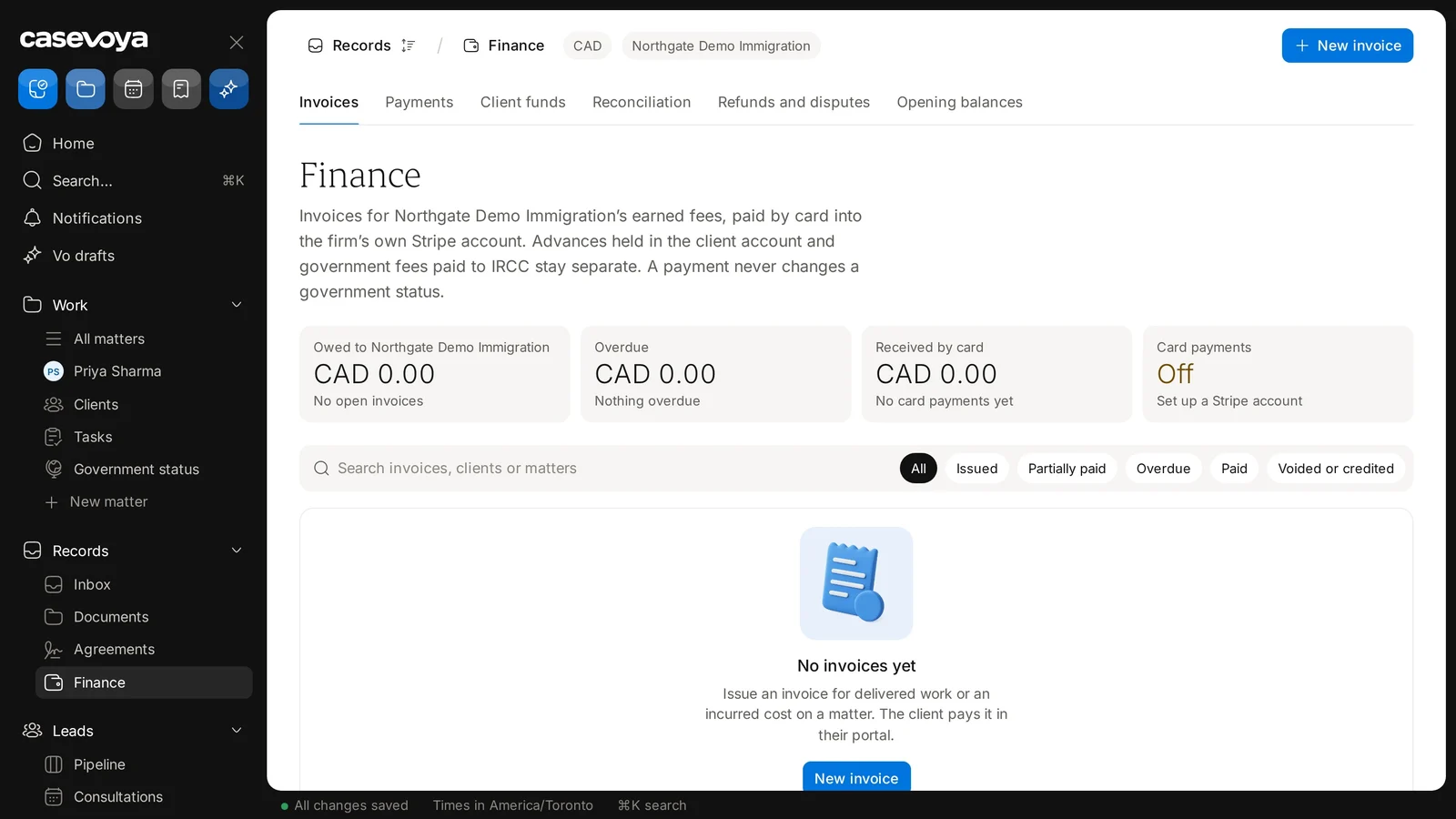
Check the services are recorded
An earned-fee invoice needs delivered services or incurred costs behind it. Before that, use a quote or an advance request.
- 4
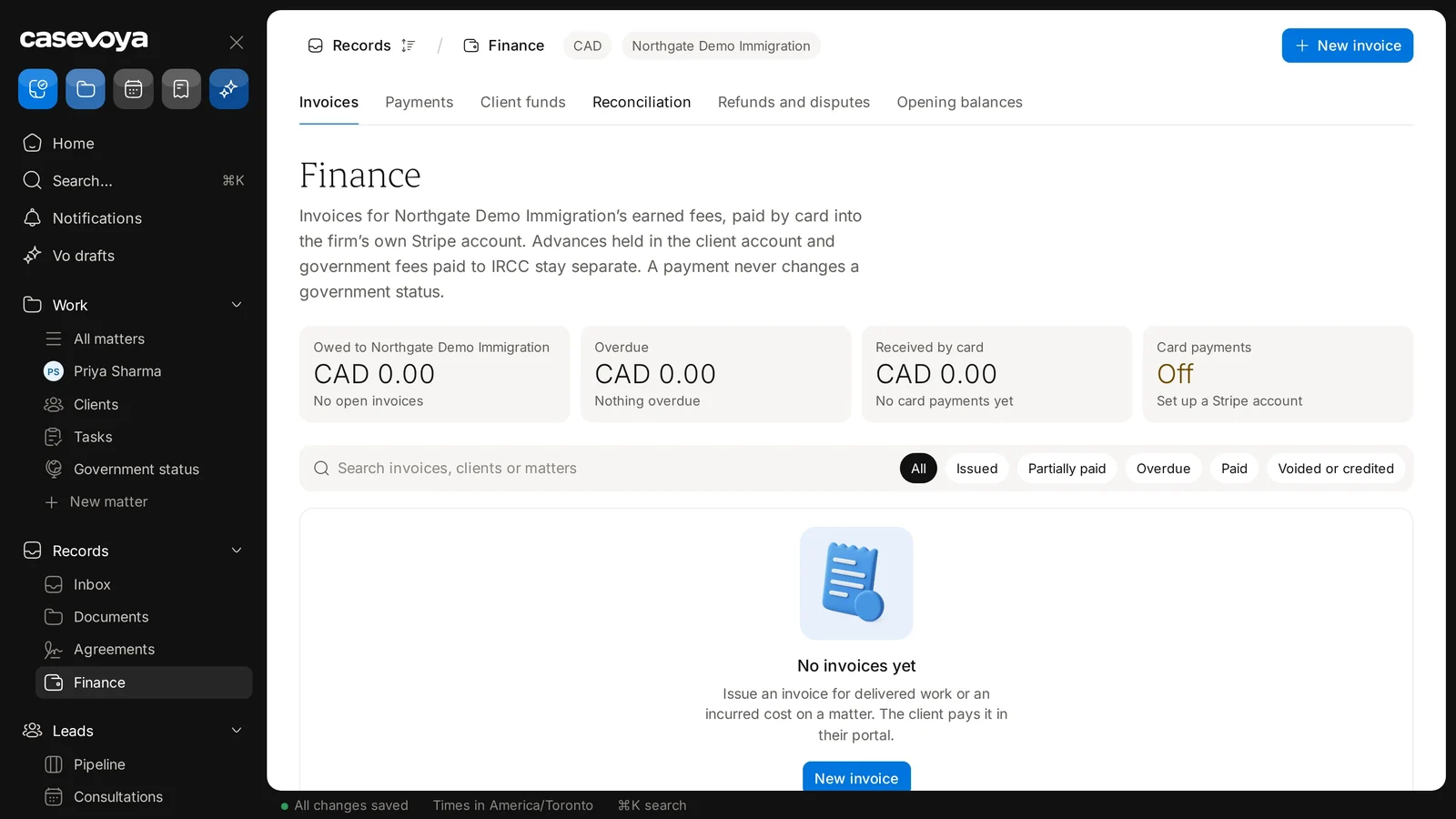
Issue it
Once issued, an invoice can’t be edited. To fix one, issue a credit note. The client sees it with your firm named as the payee.