 Casevoya
Turn AI drafts on or off for your firm
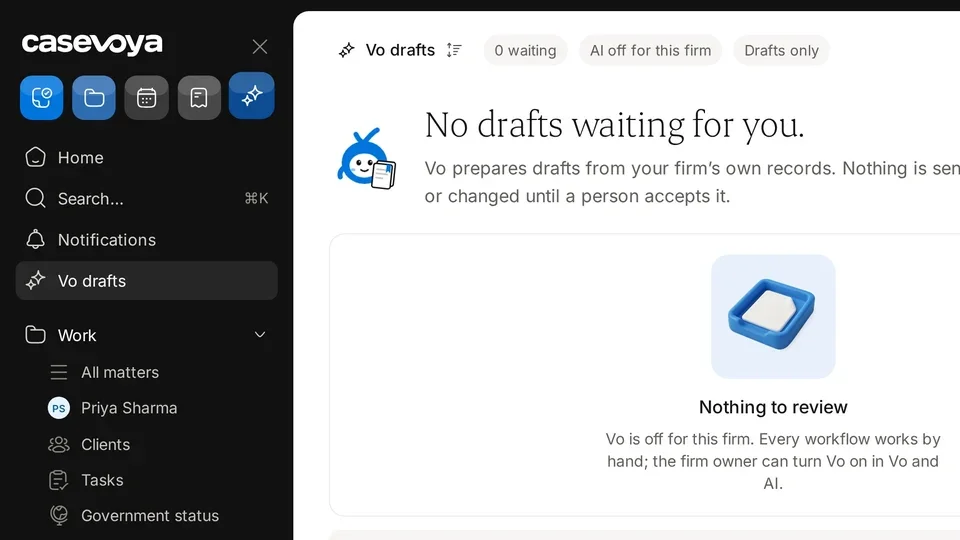
AI drafts are optional. Everything in Casevoya works without them.
- 1
Open Vo and AI
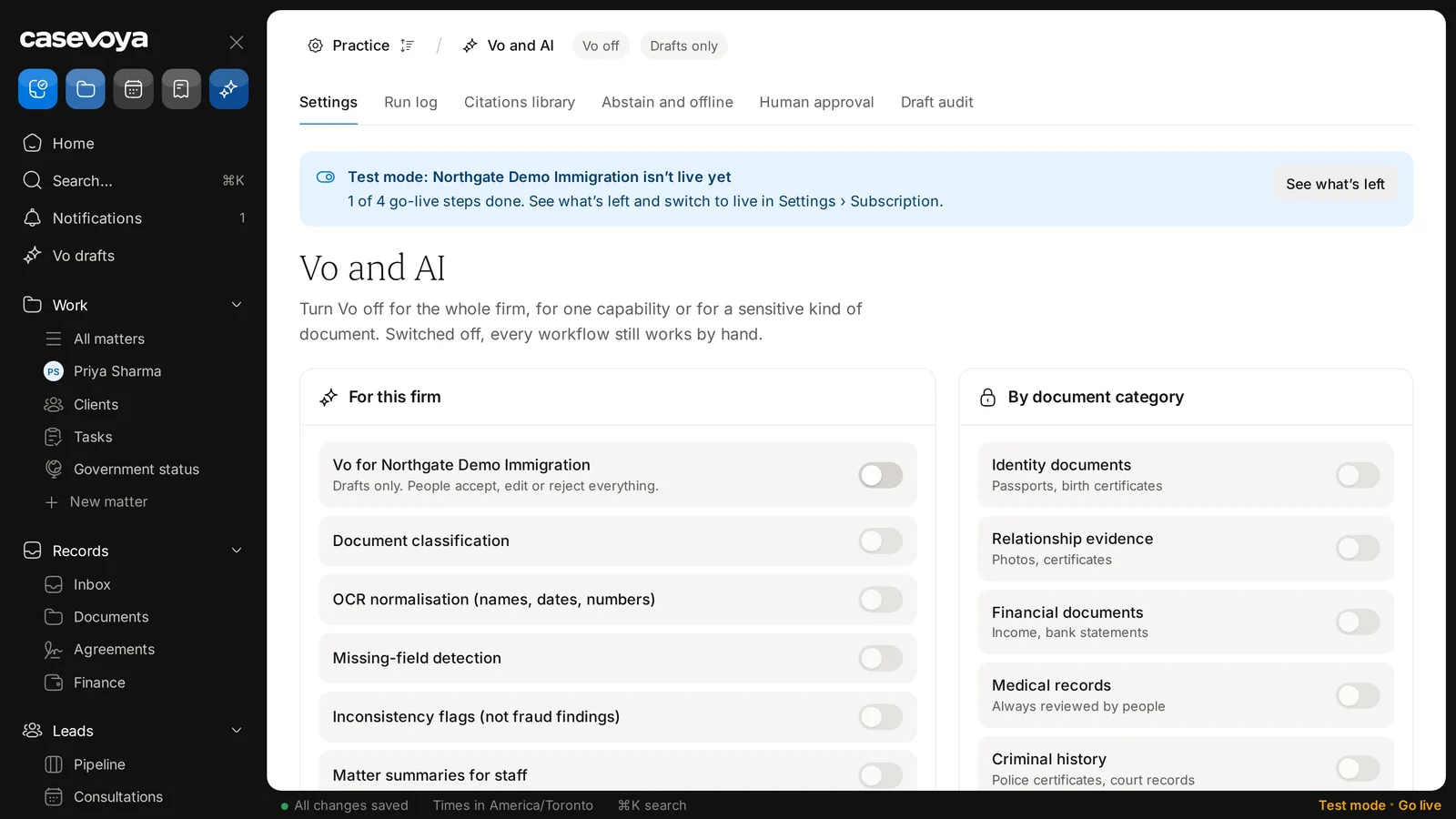
In the sidebar, under Practice, choose Vo and AI. Owners only.
- 2
Choose what’s on
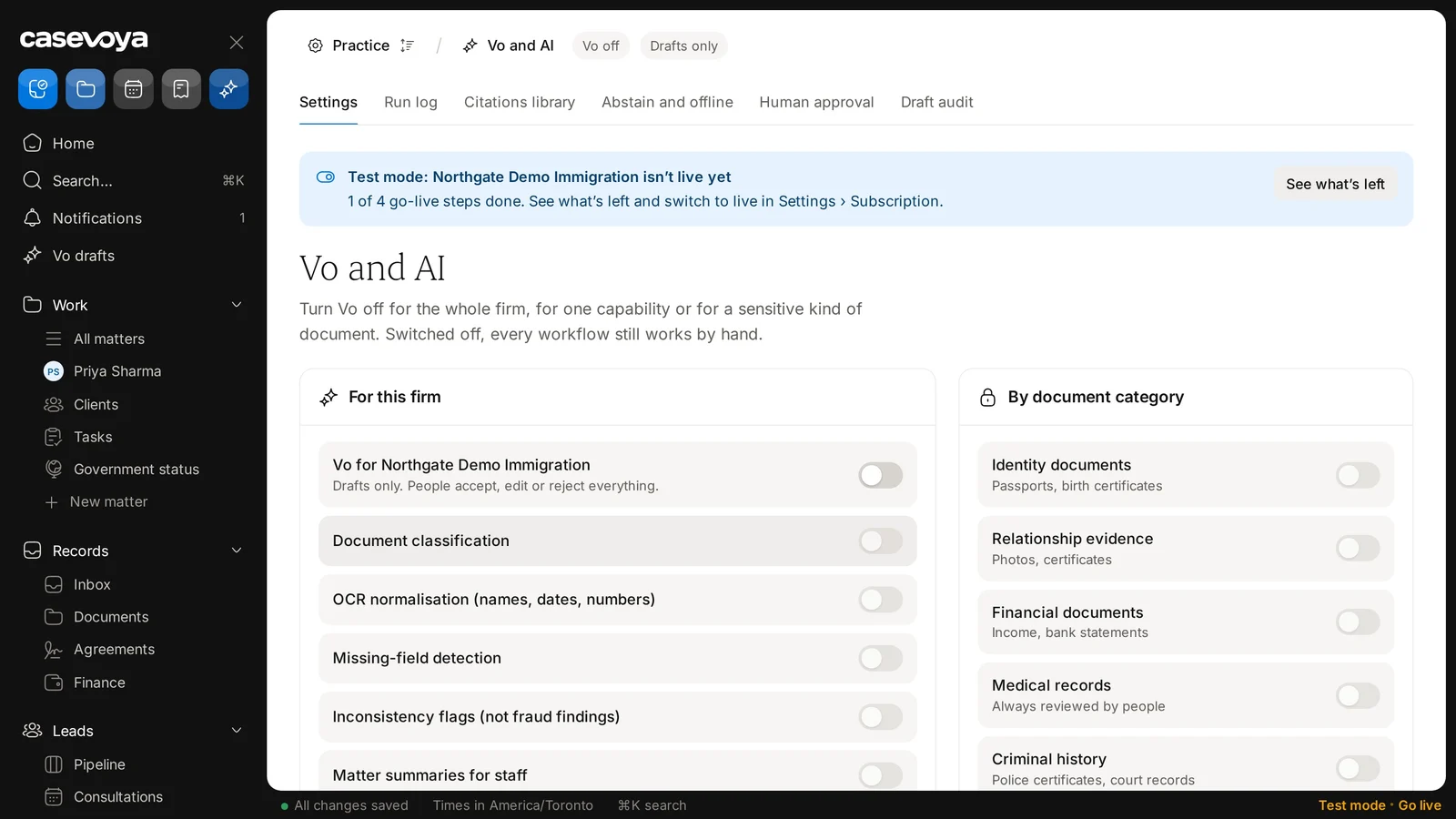
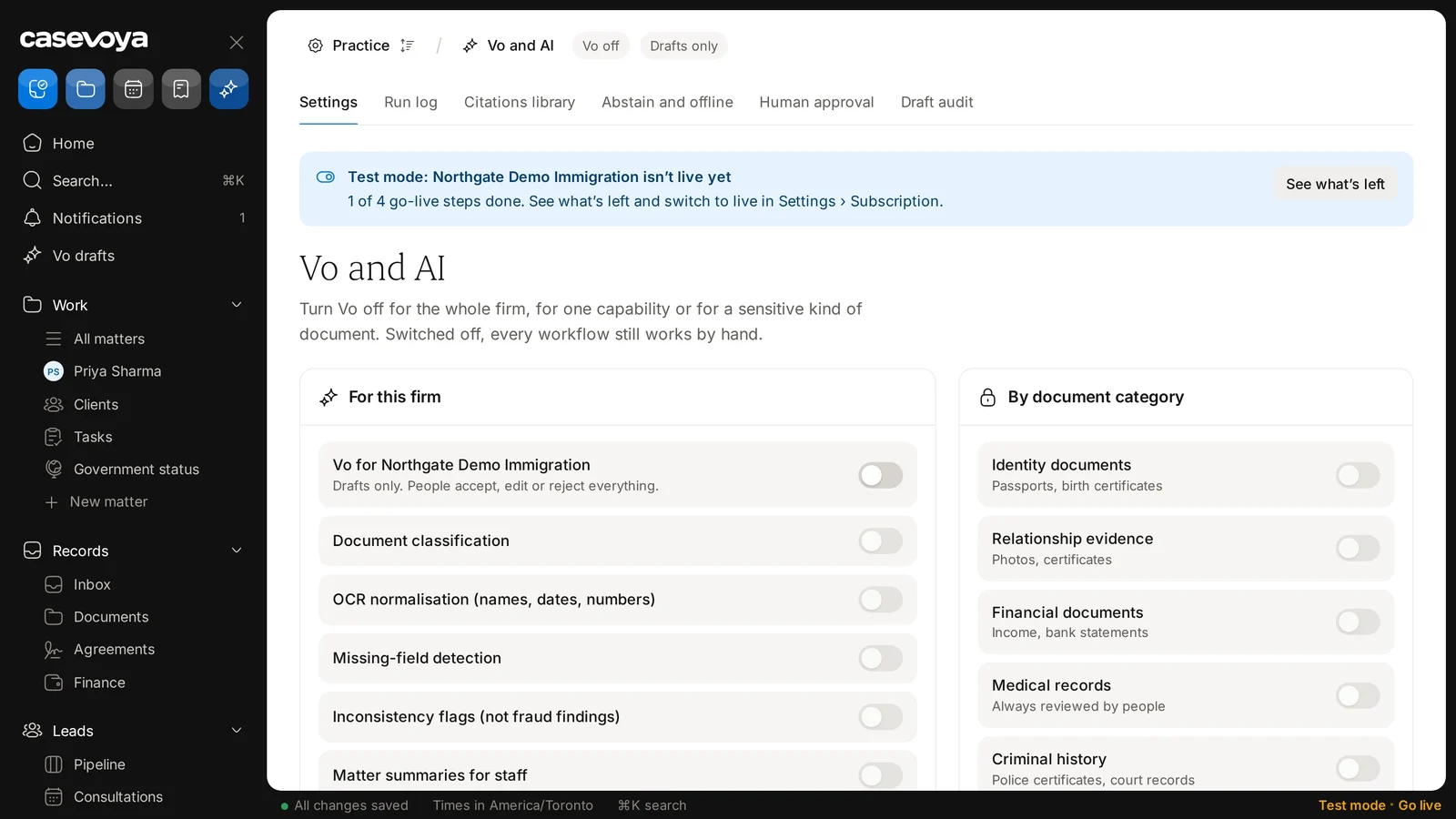
Under For this firm, the main switch turns Vo on or off for the whole firm. Document classification, Missing-field detection, Matter summaries for staff and Administrative reply drafts can each be turned on or off.
- 3
Exclude sensitive categories
Under By document category, turn off Vo may read for a category. For example, Medical records or Criminal history can be excluded entirely.
- 4
Client choice
Clients can say no to AI help on their records. Their consultant sees that choice.